Every kind of account
Cash, checking, savings, investment, credit cards, loans. Each account in its own currency.
Free and open source · self-hosted
Track every account and currency with your family or a small group. MSaving runs on your computer or server, so your money data never goes to anyone else.
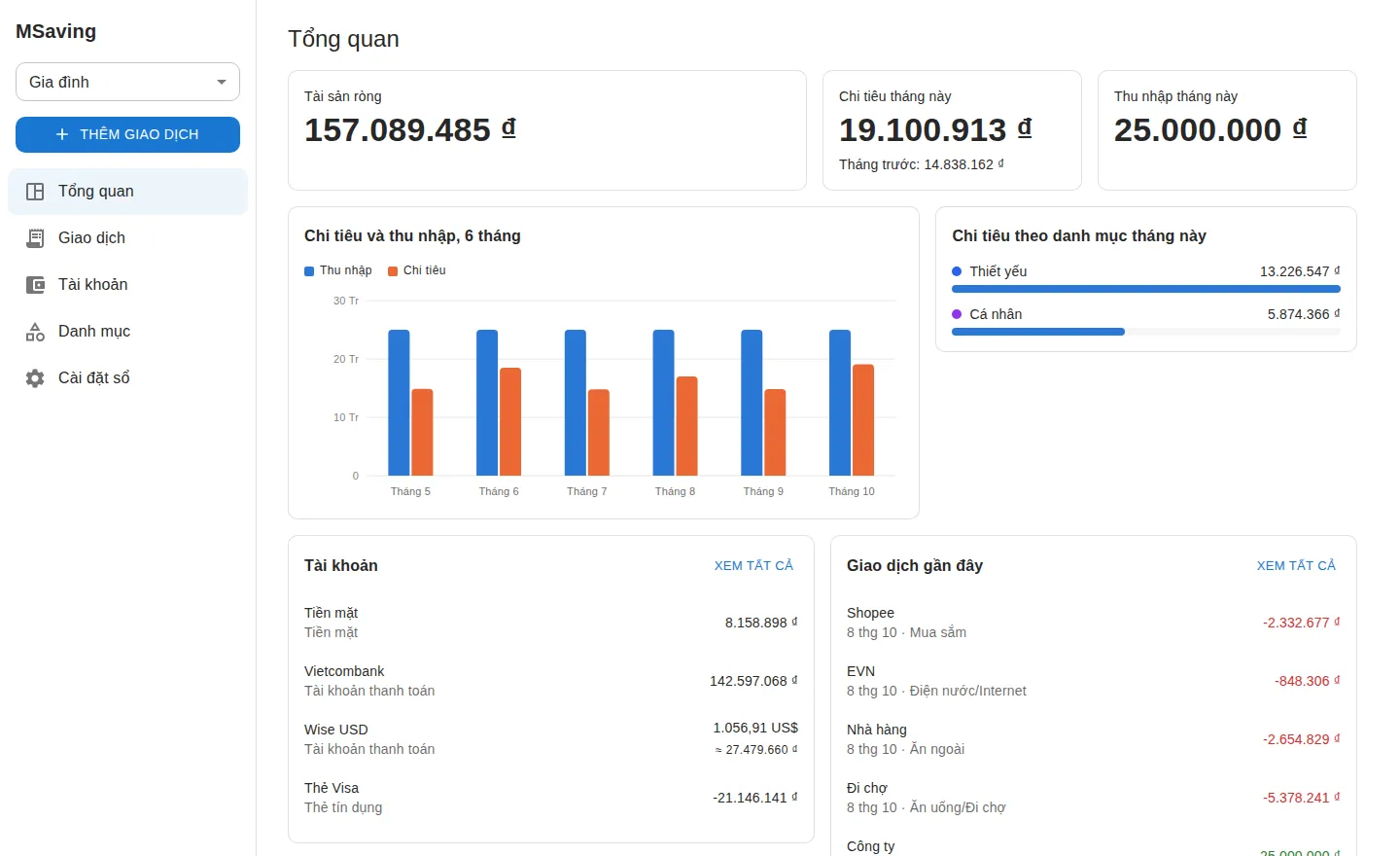
Cash, checking, savings, investment, credit cards, loans. Each account in its own currency.
Personal, household, side business. Share a book with your family as owner, editor or viewer.
155 currencies with daily exchange rates, no account or key needed. Totals convert at that day's rate.
Set a limit per day, week, month, quarter or year. Sub-categories count toward their parent.
Tie a loan to a person. Always know who owes you and whom you owe.
Net worth, this month's spending against last month, a six-month trend and spending by category.
You need a computer that stays on (a home PC, a mini PC, a Raspberry Pi 4 or a small VPS) with Docker and git. Nothing else: no cloud account, no sign-up with us.
git clone https://github.com/LeeMinNguyeen/msaving
cd msaving
docker compose up -d --build
docker compose logs msavingGet the code and start it. Docker builds the server on your machine; the database and everything else set themselves up.
Open the address, enter the setup code from the log, and create your account. You're the server's admin.
Create an invite and send the link or let them scan the QR code. Each person picks their own password.
Read the install guide → HTTPS for other devices, backups, updates and your own database: all in the docs.
Everything is stored on the computer or server you run. The project never sees it and collects nothing.
New accounts need your invite. Each person sees only their own books and the ones shared with them, enforced by the database itself.
Passwords of at least 10 characters, stored hashed, and optional two-step verification with an authenticator app.
Anyone can download their data as readable CSV files, or delete their account: 30 days to change their mind, then it's gone.
Every feature is free and the code is open source (AGPL-3.0). No plans, no ads, no tracking.
Any computer that stays on is enough: a home PC, a mini PC, a Raspberry Pi 4 or newer, or a small VPS. It needs Docker and about 1 GB of memory.
Only on the machine you run MSaving on. Back it up: the server makes a backup every night, and the guide shows how to copy them somewhere else.
Yes, in the phone's browser today, and in the mobile app once it's out. For use outside your home network, the guide shows three ways to set up HTTPS.
The 155 currencies in use under ISO 4217, including VND, USD, EUR and JPY. Rates update daily.
Two commands, or one click on the admin page if you turn that on. The server backs up before any change to your data.
Yes. MSaving is open source and has no paid plan. Donations help keep it going.
Install MSaving in a couple of minutes and invite the people you share money with.
Read the install guide →